



Golf course mapping software made simple and affordable
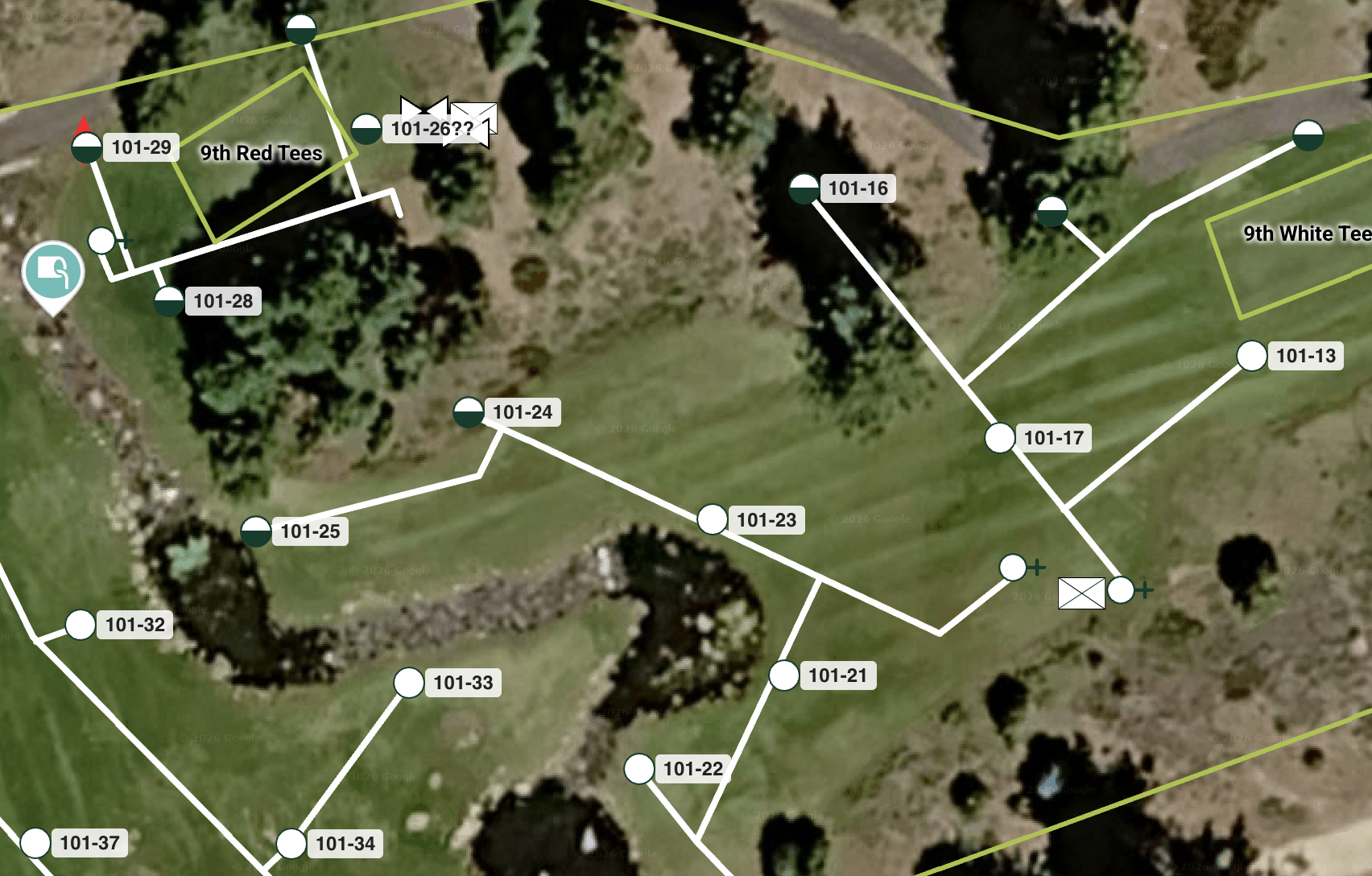
Summary: Golf courses run on tribal knowledge, and that knowledge walks out the door every time a superintendent changes. YardPro gives your team a living, digital map of every station, valve, controller, drain…. across all 18 holes, with custom icons and station IDs that match your actual equipment. Field crews get filtered printouts showing only what they need for the day. Tasks are tied directly to map markers so everyone knows exactly where to go and what to do. Sensors monitor the system around the clock and alert your phone the moment something goes wrong. One map, your whole team, always current.
Why Golf Course Teams Are Ditching the Clipboard for Good
Running irrigation on a golf course is nothing like running it on a commercial property. You have 18 holes, hundreds of stations, miles of wire, a seasonal crew that rotates every year, and a superintendent who needs everything at their fingertips before the morning round starts. The old way of managing all of this, paper maps, shared binders, laminated sheets in the maintenance shed, was never a good system. It was just the only system available.
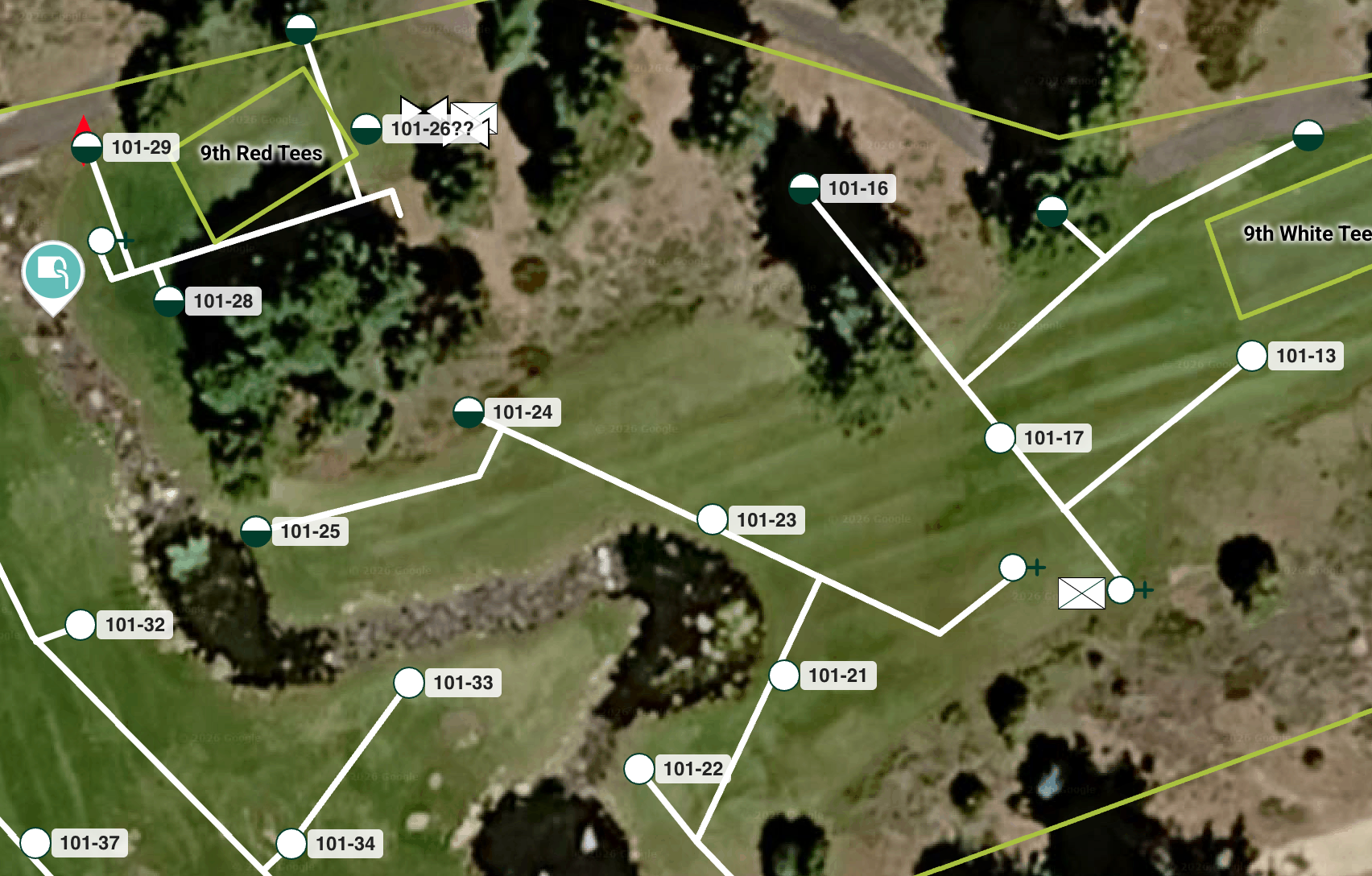
YardPro was built with golf courses specifically in mind. Not as an afterthought, but as a core use case. And the features that golf course teams are getting the most value from are not the obvious ones. It is the details, custom icons that speak the language of golf course operations, station IDs that are tied to GPS points, printouts that field crews can actually read, and task management tied directly to the map.
Custom Icons That Match How Your Team Thinks
A valve box icon and a pump station icon are not the same thing. Neither is a controller, a master valve, a quick coupler, or a pressure regulator. When your team is walking a fairway at 5 AM, they need to see the right icon on the map and know immediately what they are dealing with. No decoding required.
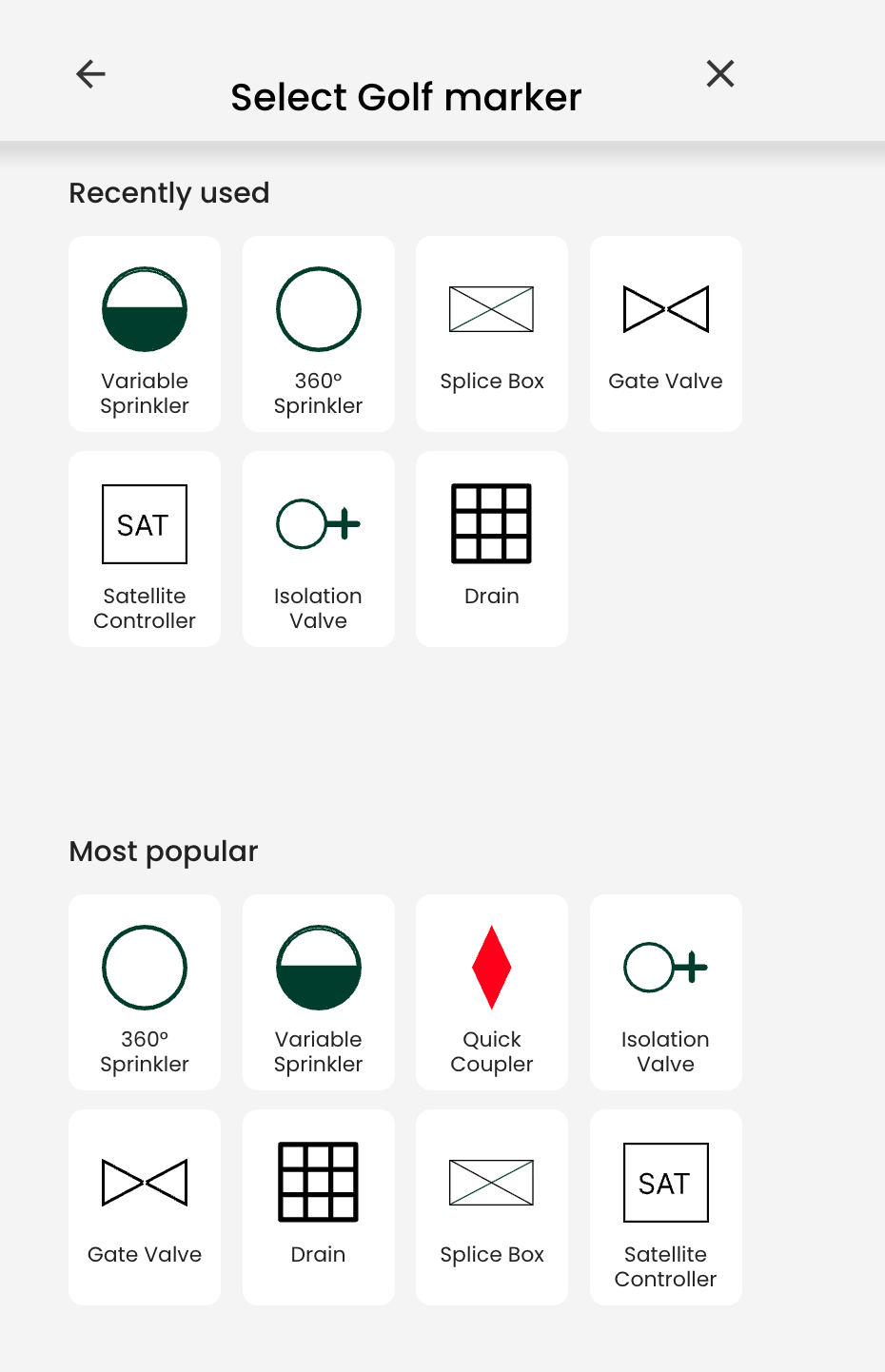
YardPro gives you hundreds of icons to choose from and lets you assign the right one to every marker on your map. Valves look like valves. Pumps look like pumps. Drains look like drains. The result is a map that any crew member, whether they have been with you for ten years or ten days, can read and understand without a legend or a phone call to the superintendent.
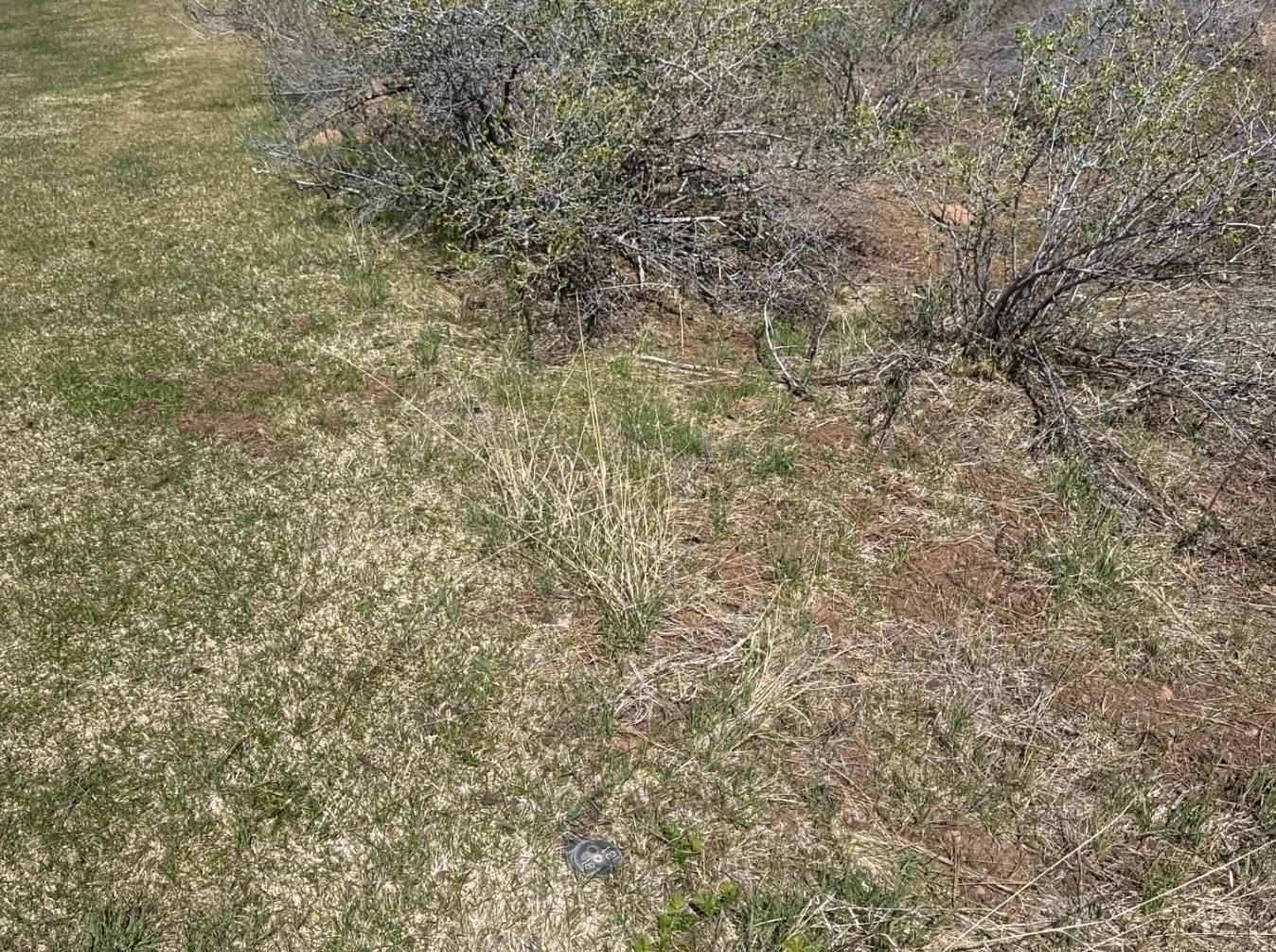
You can also attach photos directly to any marker. A photo of the actual valve box lid, the controller faceplate, or the wiring configuration inside a box tells your team more than any written description ever could. When a new seasonal hire opens an unfamiliar box, they can compare what they see in the field to what is documented in the app, and they know whether they are in the right place.
Station IDs That Match Your Controller
This is one of the features that gets the most positive feedback from superintendents. Every irrigation controller has station numbers. Your crew knows them. Your vendor knows them. Your service history is organized around them. And yet most mapping tools treat those numbers as an afterthought, buried in a notes field somewhere.
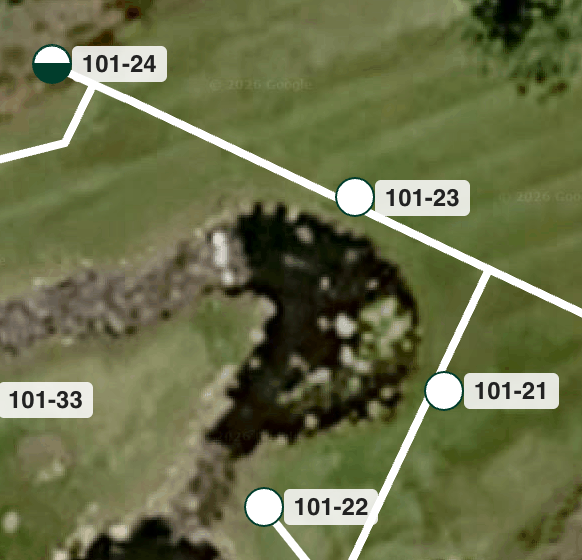
In YardPro, you can assign a station ID to each marker and have it display right on the map. When a crew member needs to find station 14 on hole 7, they open the map, look for the marker labeled 14, and walk straight to it. No cross referencing, no guessing, no extra steps.
Printouts Your Field Crew Will Actually Use
Not every crew member is standing at a phone while they work. Sometimes you need a physical reference. YardPro generates clean, high quality printouts of your maps that are actually useful in the field.
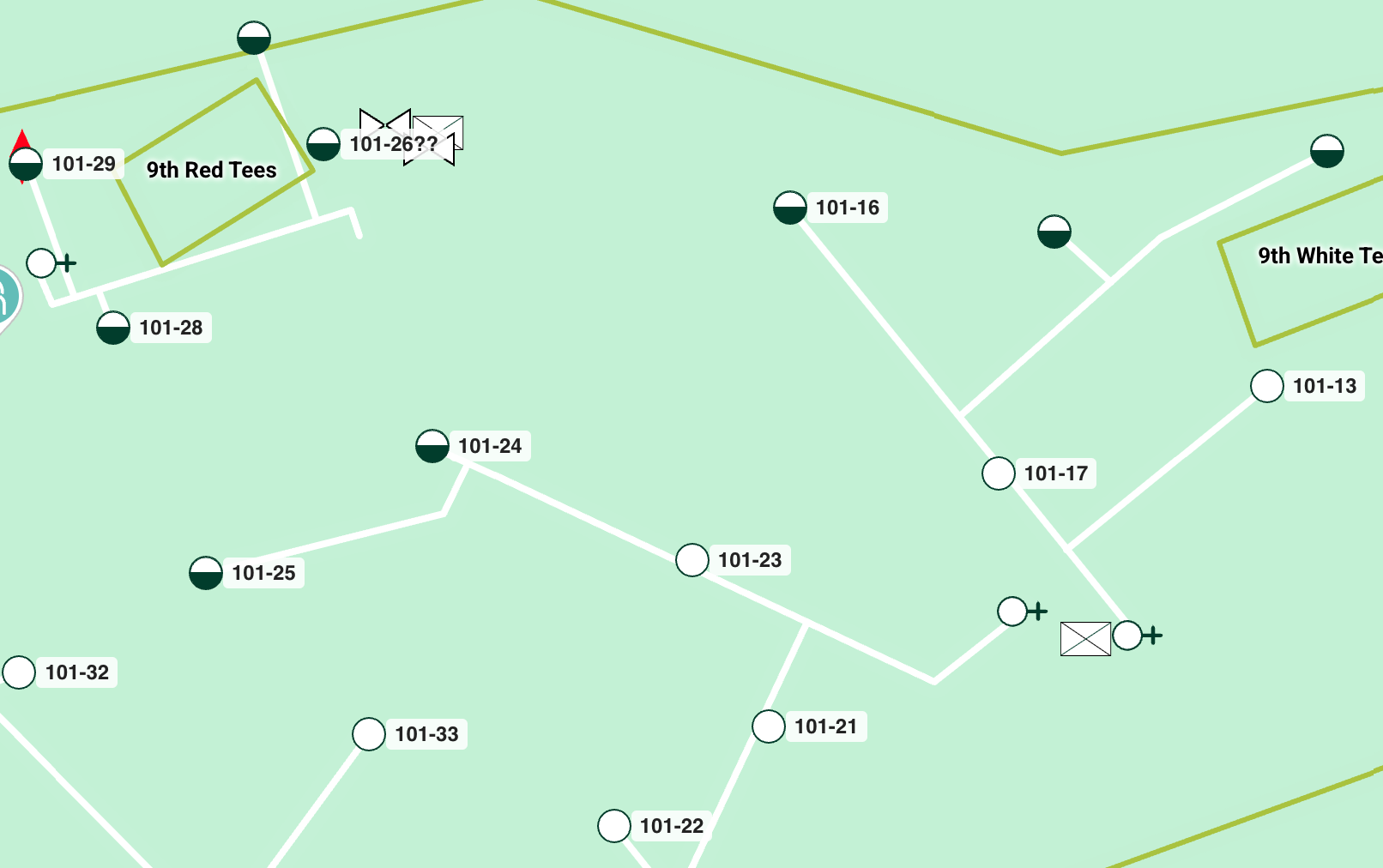
What makes these printouts different is the filtering. Before you print, you can choose exactly which layers of information to include. If the crew is focused on fairway irrigation today, you print only the fairways. If you are doing a drain inspection on holes 10 through 18, you print only the drainage markers for that section of the course. The result is a focused, readable document, instead of a cluttered map that takes ten minutes to interpret.
You can also filter by marker type. Print all isolation valves and nothing else. Print all controllers. Print all sensors. When you are doing a systematic inspection or a seasonal startup check, being able to print a filtered list of exactly what you need to verify saves real time.
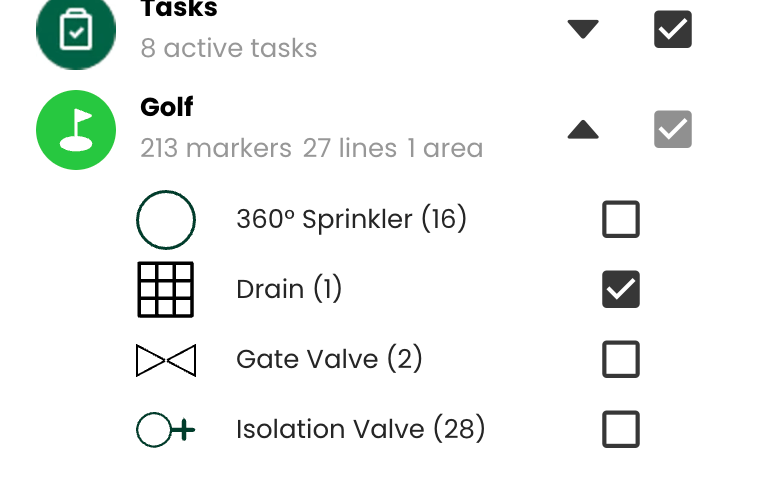
These printouts are formatted for clarity. Icons are recognizable, station IDs are visible, and the map detail is calibrated so that features are distinguishable without a magnifying glass. The feedback from field teams consistently comes back the same: they actually bring these to the job instead of leaving them in the truck.
Task Management Tied to the Map
Most task management tools exist in a vacuum. You create a task, assign it to someone, and hope they understand what you mean. On a golf course, context matters. "Check the valve" is not a complete instruction. Which valve. Where is it. What are you checking for. What did it look like last time.
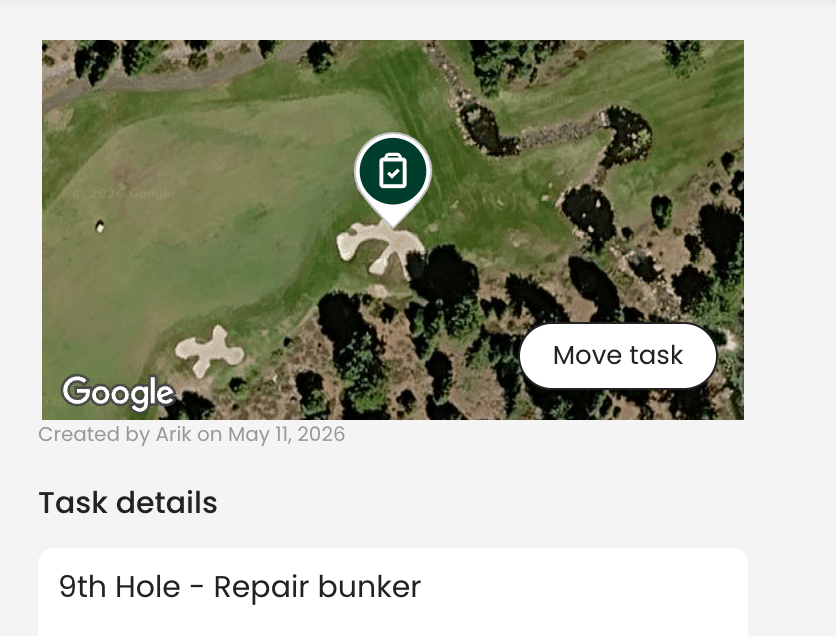
YardPro tasks are built differently because they are tied directly to your map markers. When you create a task, you link it to the specific marker it belongs to. The person assigned to that task sees the task, sees the map, sees where to go, and has every photo, note, and piece of documentation associated with that location right there with them
.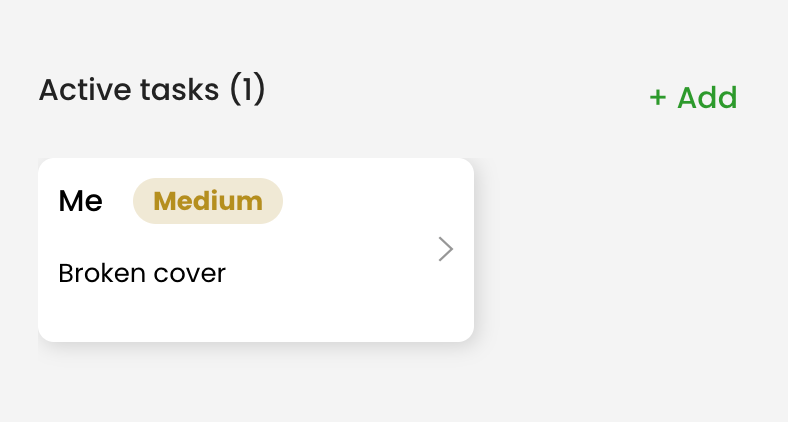
You can assign tasks to individual crew members or to teams. You can set due dates, add details, and track progress from the map view. Pending tasks, completed tasks, and overdue tasks are all visible without having to chase anyone down for a status update.
Repeating tasks are available on the commercial plan, which covers golf courses. That means your seasonal inspection schedule, your filter cleaning rotations, your weekly zone checks, all of it can be set up once and automatically assigned on the right cadence. The same task your team should be doing on the first Monday of every month gets created automatically so nothing falls through the cracks during a busy stretch.
Institutional Knowledge That Stays When People Leave
Golf course superintendents change. Assistants move on. Seasonal workers come and go. Every time someone leaves, they take years of knowledge with them. Where the tricky valve is. Which controller is finicky. Which zones run slow. Which head on hole 4 always needs adjustment after a mow.
YardPro captures all of that in the map. Notes attached to markers, photos of quirky equipment, task history that shows how a problem was solved last time. When the next superintendent starts on Monday, you hand them a complete, current map of the entire course instead of a filing cabinet and a prayer.
One golf course owner in California put it plainly: "We have had three superintendents in eight years. Every transition was painful, with knowledge walking out the door, months of getting the new person up to speed. YardPro is the first thing we have found that actually solves that problem."
One Map, Every Person on Your Team
The commercial plan includes unlimited team members. That means your head superintendent, your assistants, your seasonal crew, and your outside irrigation contractor are all looking at the same map. When you update something, everyone sees it immediately. There is no version control problem. There is no "I was working off the old map" conversation.
Contractors get access to exactly what they need to do their job and nothing more. They see the map, they see the relevant markers, and they can get to work without needing a two hour orientation from your superintendent every time they come on site.
Spanish language support is included on the commercial plan, which is a practical detail that matters on courses with bilingual teams. Your crew can use the app in the language that is most comfortable for them, which means fewer errors and better adoption across the whole team.
Getting Started
YardPro for golf courses is priced at $499 per property for the commercial plan, which includes unlimited sensors, unlimited markers and lines, unlimited images, an unlimited team, unlimited tasks, and Spanish language support. A seven day free trial lets you get the map started before you commit.
If you want to see what it looks like for your specific course, there are live demos available and a recorded walkthrough you can watch on your own schedule. Most courses have a working map of their first few holes within the first session.
The old way of running irrigation on a golf course was not a system. It was a collection of habits, memories, and workarounds held together by whoever happened to know the most. YardPro gives you an actual system, one that works on day one and gets more valuable every time someone adds to it.